
DrugBank Dashboard
Our landing page dashboard includes all of the different elements available at DrugBank. Here, users can navigate through the various features we offer.
Main Area
The DrugBank Dashboard displays the two main tools available to our users: Browse & Search and Table Builder. By clicking on the blue button below each of them (“Start Browsing” or “Start Building”) you can easily access each of them:
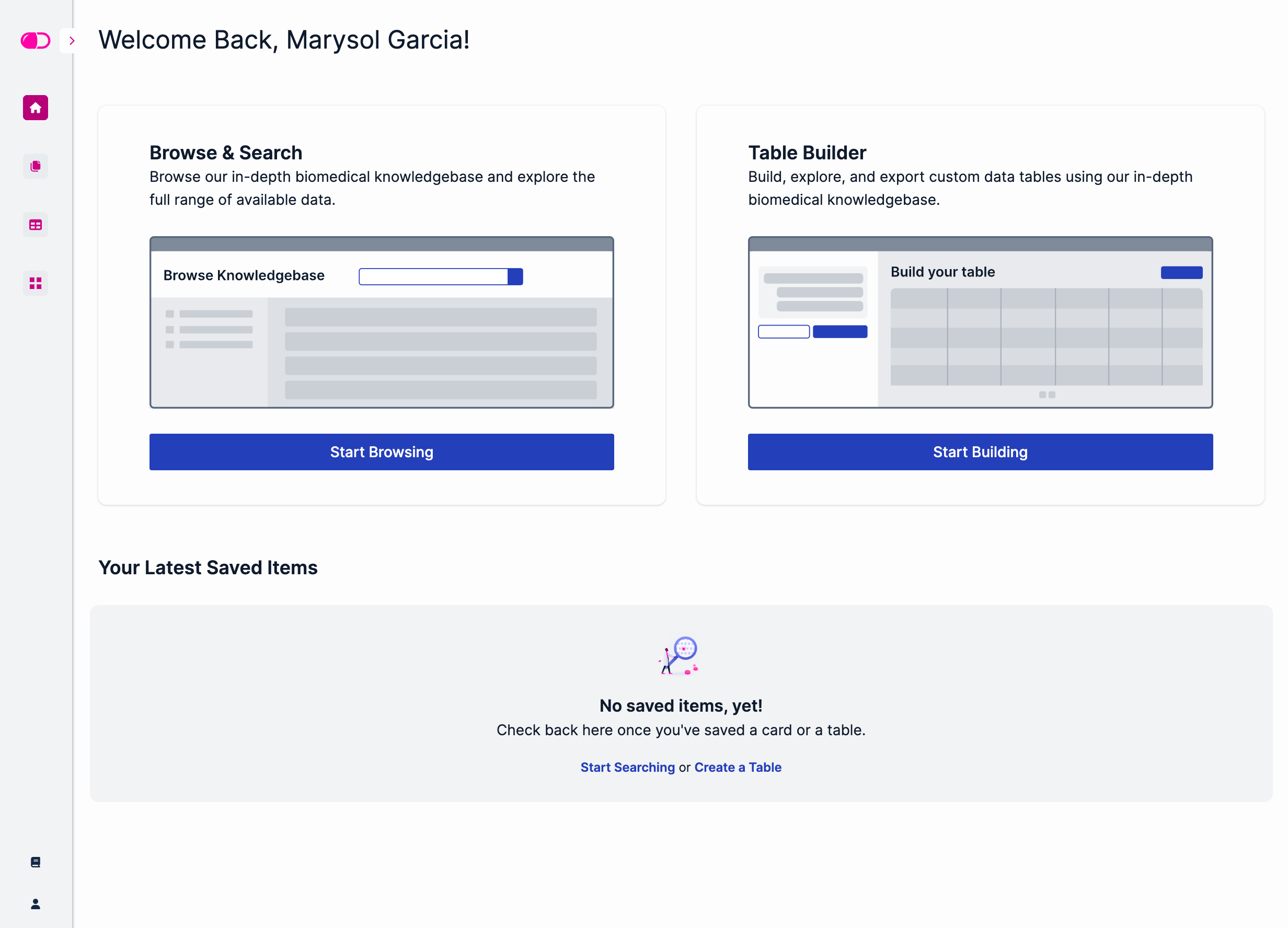
At the bottom, you’ll see a section called “Your Latest Saved Items”. Here, you can get a quick view of the recently saved drug cards and searches. For more information on how to save information in DrugBank, go to the Table Builder Interface or the Browse & Search Interface sections.
Collapsible Sidebar
The collapsible sidebar on the DrugBank Dashboard gives users access to additional tools and resources. To expand the sidebar, click the > button on the left top corner:
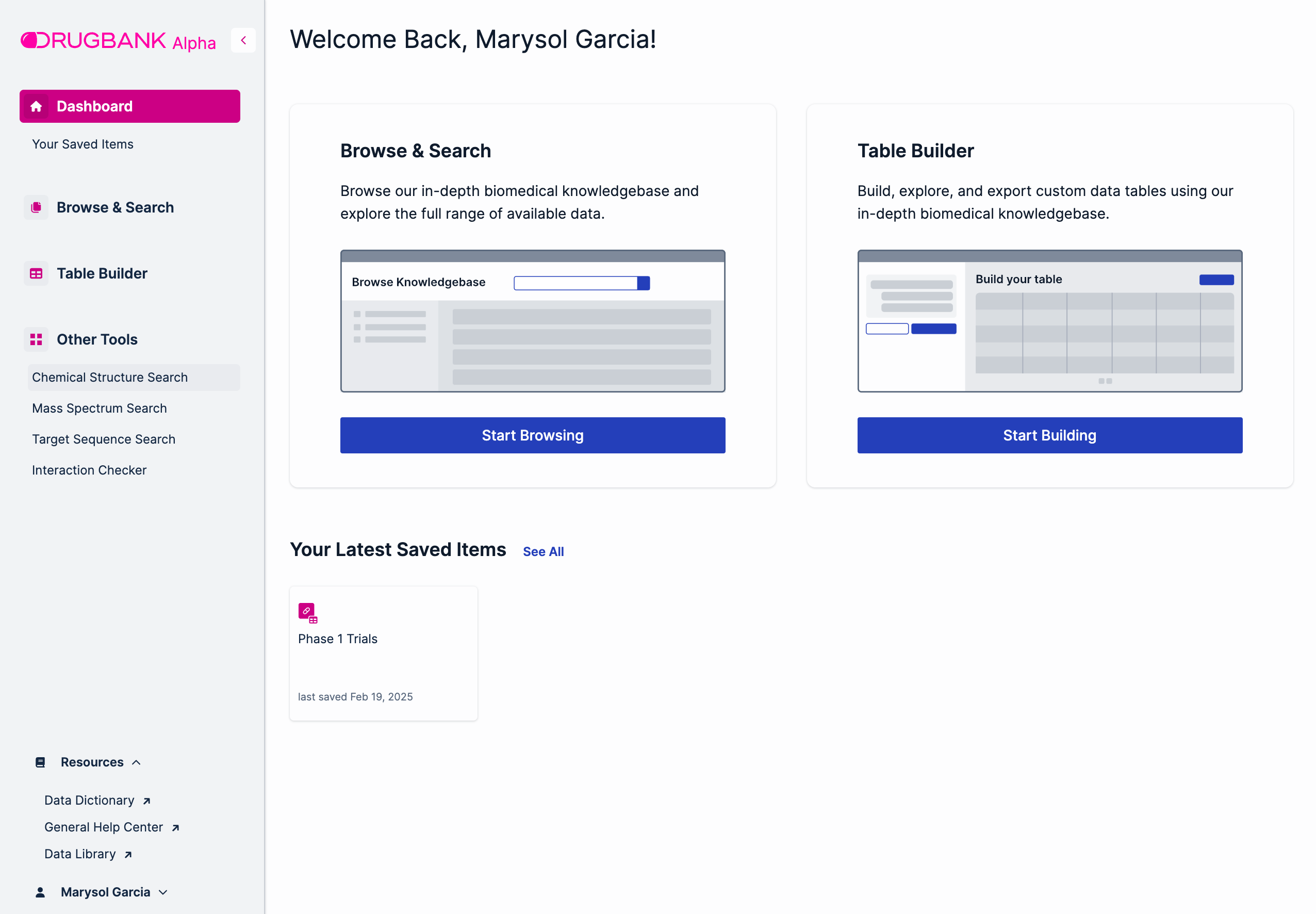
From here, users can navigate to the Other Tools available at DrugBank:
Chemical Structure Search: A tool where users can search drugs based on their chemical structure or molecular weight. It is powered by MarvinJS.
Mass Spectrum Search: A tool where users can search drugs based on their mass spectrum. It includes different search options:
Mass Spectrometry (MS) Search
Tandem Mass Spectrometry (MS/MS) Search
Gas Chromatography-Mass Spectrometry (GC/MS) Search
One-dimensional Nuclear Magnetic Resonance (1D NMR) Search
Two-dimensional Nuclear Magnetic Resonance (2D NMR) Search
Target Sequence Search: A tool where users can enter a DNA or protein sequence to search for the drugs that interact with the matching targets.
Interaction Checker: A tool that checks for interactions between ingredients of specified drug products.
Below the Other Tools section, there is a Resources menu that includes the links to some helpful sites:
Data dictionary: A comprehensive resource that includes a detailed description of the different types of information included in DrugBank, providing a complete reference for all available data
General Help Center: A centralized hub that covers all of the technical support information needed by new and current DrugBank users.
Data Library: A site that shows the different types of data packages offered by DrugBank. Here, users have the ability to explore the schemas of each data package and view samples of the type of information included.
At the bottom of the collapsible menu, users can click on their user name to view the Account Details and Log Out buttons.